
Managing the Data: Databases and Optimisation Techniques
Part 3 of 5 in the System Design Series
In 2012, Instagram was acquired by Facebook for $1 billion. At the time, the company had 13 employees.
13 people. Over 30 million users. Billions of photos.
How do you store and serve billions of photos, fast, with a team that small? The answer wasn't magic. It was thoughtful database architecture.
Data is where most scaling problems actually live. You can have the most powerful servers in the world, but if your database is slow, your application is slow. Let's dig into how engineers keep databases performing at scale.
Choosing Your Database: SQL vs NoSQL
Before you optimise, you need the right tool for the job. There are two broad families of databases, and choosing between them is one of the earliest, and most consequential, architectural decisions you'll make.
SQL databases (like PostgreSQL and MySQL) store data in structured tables with predefined schemas. Every row looks the same. Relationships between tables are explicit. Most importantly, they offer strong guarantees around data consistency, they won't let you end up with a transaction half-applied.
This makes SQL the default choice for anything where accuracy is non-negotiable. Banking systems, payment platforms, medical records, if an inconsistency costs money or harms someone, you want SQL.
NoSQL databases (like MongoDB, Redis, and Cassandra) take a different approach. They trade rigid structure for flexibility and scale. Instead of rows and columns, they store data as documents, key-value pairs, or wide columns, whatever shape fits the data. They're built to distribute across many machines without complexity.
Instagram used PostgreSQL for its core data, but the type of data you're working with should drive the decision. A social graph with billions of relationships might suit a graph database. A real-time leaderboard might suit Redis. There's no universally correct answer.
When a Single Database Hits Its Limits
Even the best database eventually struggles under enough load. When that happens, engineers reach for a toolkit of techniques to buy back performance.
Indexing
Picture a textbook with no index. To find information about a specific topic, you'd have to read every single page. A database without indexes works the same way, a query for all users in Lagos forces the database to scan every row in the users table.
An index is a pre-built lookup structure on a specific column. With an index on the city column, that Lagos query becomes near-instant, the database jumps directly to the relevant rows.
The tradeoff: indexes take up storage space and slow down write operations slightly, because every new row has to update the index too. Index the columns you query frequently. Don't index everything blindly.
Replication
A single database is a single point of failure, and a potential bottleneck when read traffic gets heavy.
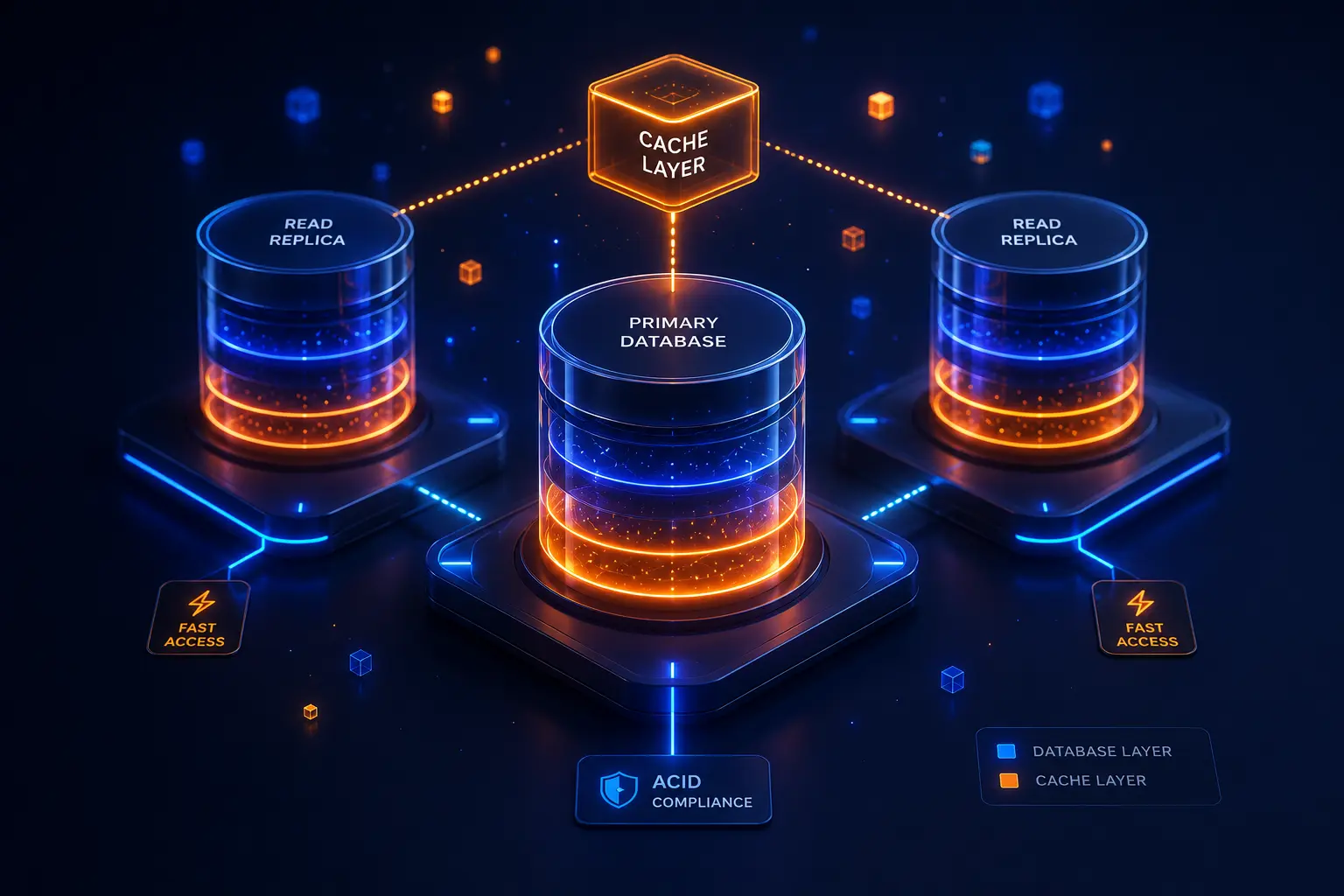
Replication solves both problems. You designate one database instance as the primary, responsible for handling all writes. Then you spin up one or more read replicas, copies of the database that stay in sync with the primary and handle all read queries.
Most applications read data far more than they write it. A user browsing Instagram is generating dozens of reads for every single write. Offloading reads to replicas dramatically reduces pressure on the primary and improves response times.
As a bonus: if the primary fails, a replica can be promoted to take its place.
Sharding
Even with replicas, a single database can only hold so much data. At a certain scale, you need to split the data itself across multiple machines.
Sharding partitions a large database into smaller pieces, each called a shard, and distributes them across separate servers. A common strategy is to shard by user ID: users 1–1,000,000 go to shard 1, users 1,000,001–2,000,000 go to shard 2, and so on.
Each shard operates independently, so no single machine holds the full dataset. This lets you scale horizontally at the data layer, not just the compute layer.
Sharding adds complexity though. Queries that need to span multiple shards become harder to write. It's a tool for when you genuinely need it, not a default starting point.
Caching
Reading from a disk is slow. Reading from memory is orders of magnitude faster.
Caching keeps frequently accessed data in memory, typically in a tool like Redis, so it can be served without hitting the database at all. When a user loads their Twitter timeline, should the system recompute it from scratch by scanning millions of tweets every time? No. It should compute it once, store the result in cache, and serve it instantly on repeat requests.
The art of caching is deciding what to cache and for how long. Cache too aggressively and users see stale data. Cache too little and you get no benefit.
Denormalisation
In a cleanly designed relational database, data is split across multiple tables to avoid duplication, a technique called normalisation. To display a single blog post with its author's name, you might need to query the posts table and join it with the users table.
Joins are expensive at scale. Denormalisation deliberately combines related data into a single table, eliminating the need for joins. Instead of two queries joined together, it becomes one.
You trade storage efficiency for read speed. For read-heavy applications, think a news feed or a product listing, this trade is often well worth making.
The Bigger Picture
Instagram's small team managed billions of photos by making smart architectural choices: the right database, thoughtful indexing, aggressive caching, and replication to spread the read load.
These aren't exotic techniques reserved for billion-dollar companies. They're patterns that any engineer can apply as soon as data starts to become the bottleneck.
In Part 4, we'll zoom out even further, to what happens when your system spreads across multiple servers and data centers around the world.
Previous: Part 2 → Preparing for Traffic: Scaling Your Infrastructure Next: Part 4 → Going Global: Distributed Systems and Real-Time Data